Product

AI Keep Clean

Local, secure AI workflows and workspace customization.

Early Access: Until 2026-04-12

Features

Workspace settings hygiene

Back up, restore, and merge workspace settings with a clean workflow.

BackupRestoreMerge

Safe sharing via presets

Presets are built-in and always included. Export/import preset collections for teams.

PresetsJSONShare

Directory & file compare tooling

Compare files and folders (2-way/3-way) with a clean, repeatable workflow.

Diff2-way3-way

Close All per Click

Close all editors fast to reduce noise and keep focus (especially in big workspaces).

FocusClean up

AI provider abstraction

Local-first by design: use Ollama or OpenAI-compatible endpoints without locking in.

OllamaOpenAI APILocal-first

Security-minded UX

Strict webview CSP and clear confirmations for risky actions.

CSPConfirmations

Overview keeps you focused

Overview is essential for developers. It helps you keep your focus on what matters.

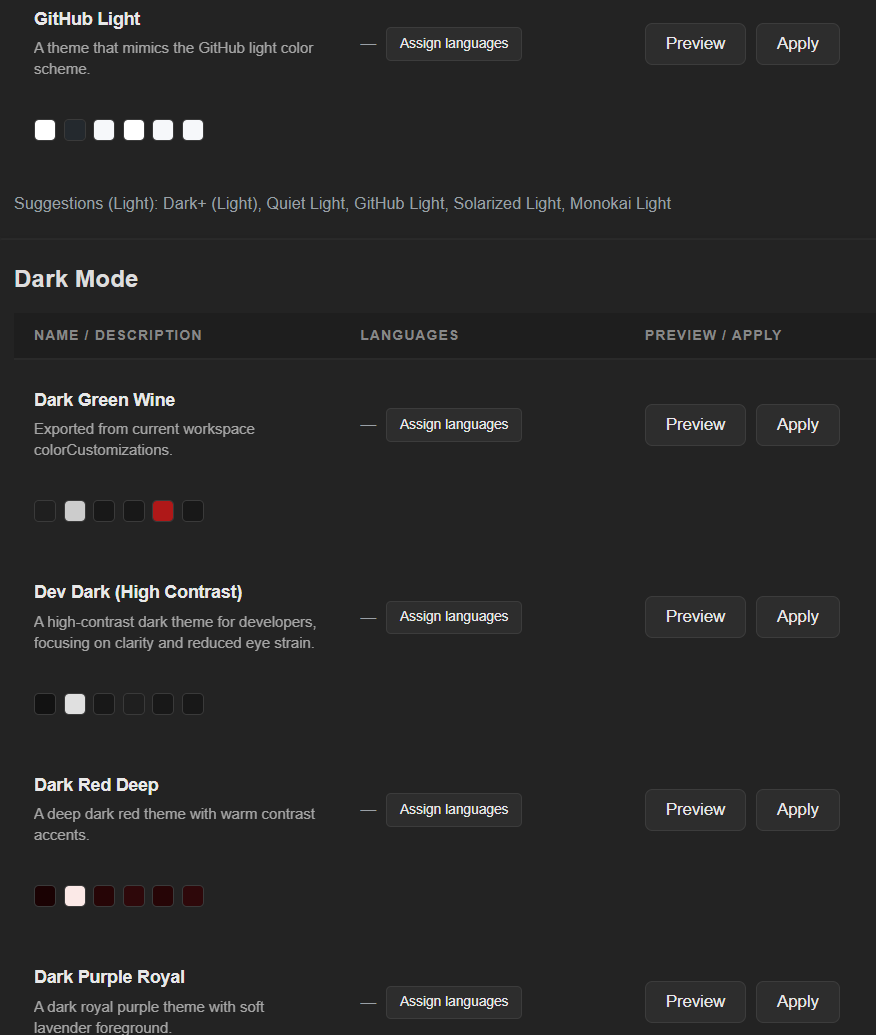
With AI Keep Clean, color-organizing multiple workspaces takes seconds: clear project boundaries, tabs instantly recognizable.

If you code for hours, you know the feeling: stay in the code — not in the search.

Local-first AI: Ollama is supported as a local provider.

Gallery

Tip: Use ←/→ arrow keys or mouse wheel to navigate.

YouTube channel

AI Keep Clean (Early Access)

AI Keep Clean is a VS Code extension focused on workspace-local settings hygiene, safe sharing via presets, and local-first AI workflows.

Licensing & activations

  • Licenses are device-bound.
  • Free: no activation required (works without a license key)
  • Pro: 2 activations per license key
  • Team: 10 license keys, 2 activations per key (= up to 20 devices)
  • Enterprise: offer: €499 for x license keys (by arrangement)

Core features (current state)

Core feature Included Available since
Workspace settings backup/restore + merge v1.15.0
Directory/file compare tooling v1.13.0
Close All per Click (close all editors) v1.13.0
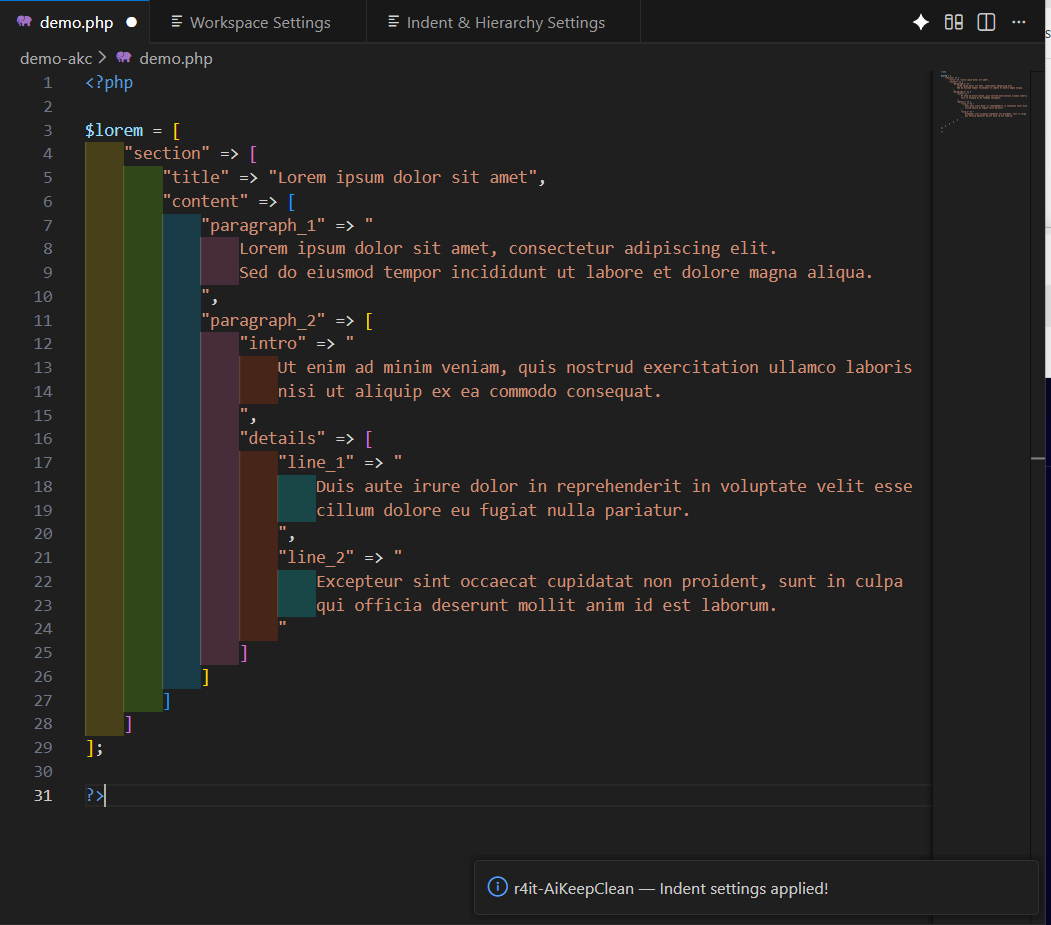
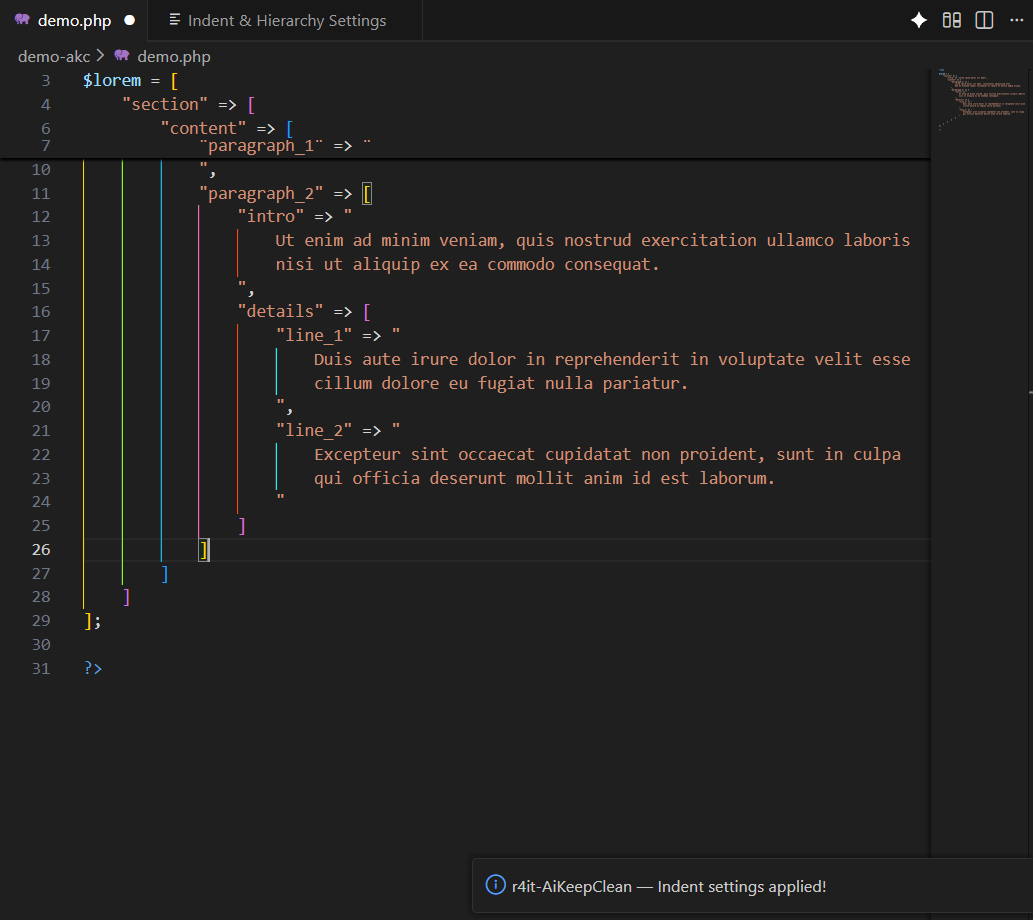
Hierarchy presets + indent guides v1.12.0
AI provider abstraction (Ollama / OpenAI-compatible) v1.11.0

Note: Only current, shipped functionality is listed here.

Overview

Columns
Max custom presets
1
3
150
150
150
Import presets
Export presets
AI suggestions
Max workspaces (planned)
25
50
Terminal colors (PowerShell/pwsh) (since v1.18.9)
AI Diff: files
AI Diff: directories
Indent Rainbow: line
Indent Rainbow: block

Licensing

Early Access (until 2026-04-12)

Columns
Free
1
€0
Trial (14 days)
2
€0
Pro
2
€39€49
Team
10
€159€199 Coming soon
Enterprise
€399€499 Coming soon

Applies to the purchased version incl. all updates for 1 year from the purchase date.

Packs & Add-ons

Team Onboarding — 1× online session (approx. 60–90 min): we set up AKC together, walk through preset export/import, and create up to 5 team presets (e.g. color/workspace layouts for your repos). Delivery: preset export (JSON) + a short rollout checklist. Recommended: up to 6 participants.

Enterprise Hardening — 1× hardening session (approx. 60–90 min): we review your current preset export/import workflow and derive a safe baseline setup (no product features required). Delivery: baseline preset export (JSON) + a written hardening checklist (separate document). Recommended: up to 6 participants.

Columns
Team Onboarding
€99
Online session (60–90 min) + up to 5 team presets + rollout checklist
Enterprise Hardening
€299
Hardening session (60–90 min) + baseline preset export (JSON) + hardening checklist