Freemium
by ready-4-it

Pixel Forge

One source image. Every target. Rule-based conversion + gallery.

Gallery

YouTube channel

The master image is done — but every target system wants a different format.

You created the perfect image for your app, website, or product — then the grind begins: scaling and cropping for favicons, app stores, social previews, and desktop icons. And after every tiny change to the original? The export marathon starts all over again. Developers and designers lose countless unpaid hours to this loop.

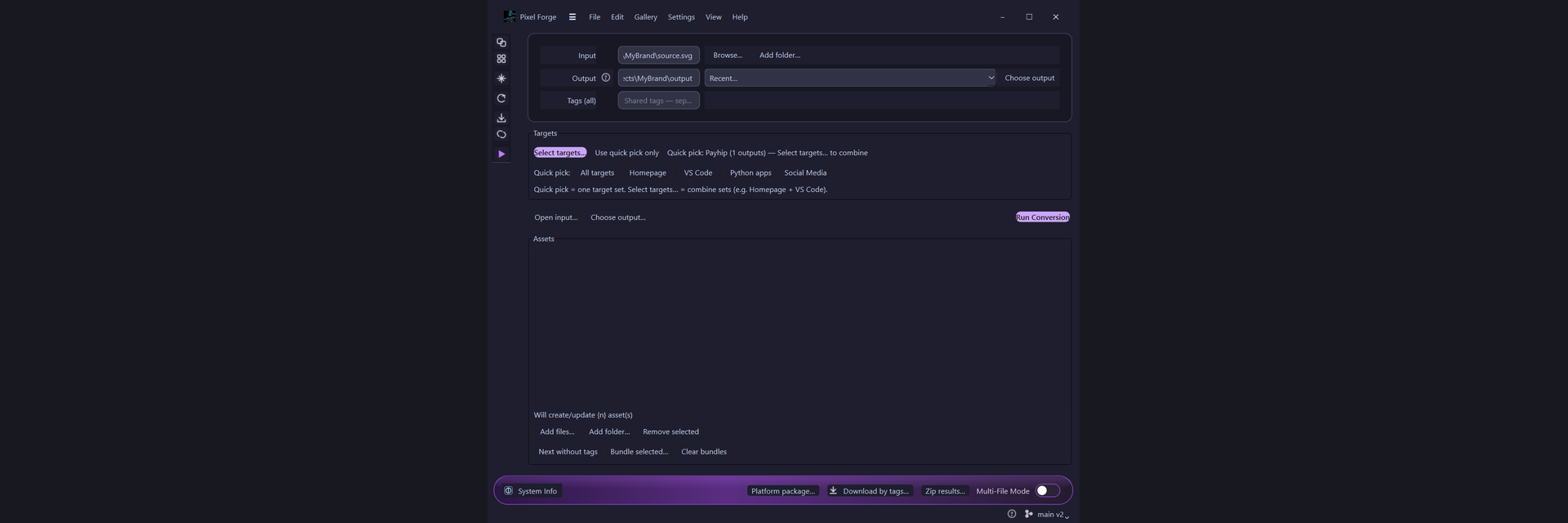
Pixel Forge breaks the cycle: define your checklist (web, store, desktop, social) once. After that, a single click generates every derivative format from your master — precisely and consistently.

Where others spend days on manual exports, you ship.

Features

Input formats

SVG and large PNG are the best masters. JPEG and small rasters convert, but stay lossy for gallery rebuild — see guide Formats & quality.

SVGPNGWebPAVIFJPGTIFFGIFBMPICOICNS

Target formats

Not PNG-only: each preset emits what the platform rules require. SVG out only from SVG in — no auto-trace from PNG.

PNGWebPAVIFSVGICOICNSJPG

Why Pixel Forge?

Whether it's a simple web project, a complex extension, or a full app: images are needed everywhere. Pixel Forge handles the granular busywork so you can focus on what actually matters.

One source. Structured output.

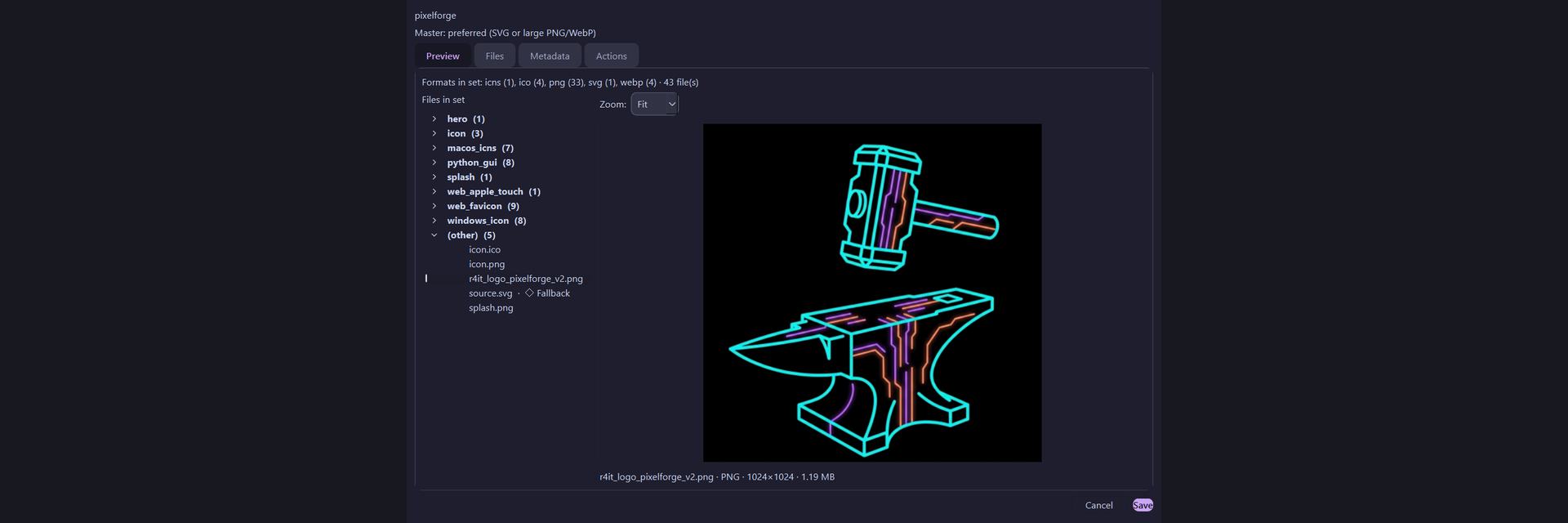
Drop in an SVG or PNG, pick your platform presets, and Pixel Forge does the rest. The result is a cleanly structured output — from hero banner to marketplace icon. Especially valuable for developers: every run automatically generates a metadata.json for full traceability and downstream automation.

Built for the AI era

Modern dev workflows demand precision. Define your targets once, then let AI assistants wire the generated assets into your code using the metadata. Pixel Forge uses real, stored platform rules — not rough guesses.

Gallery management & Git backup

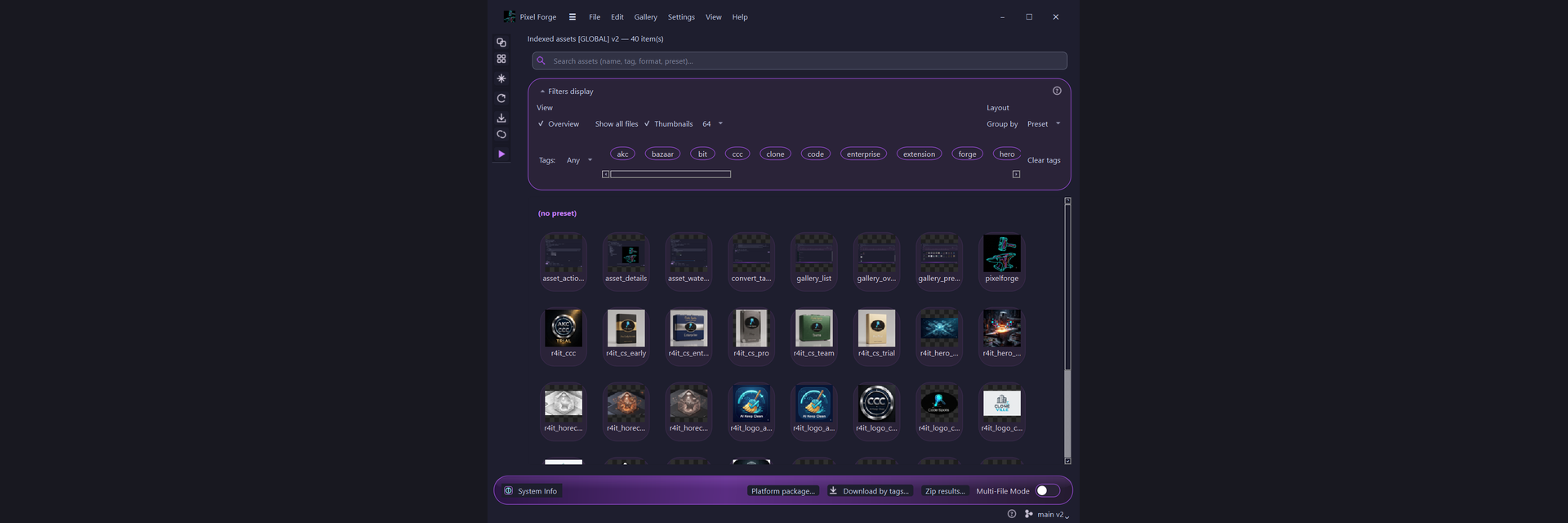
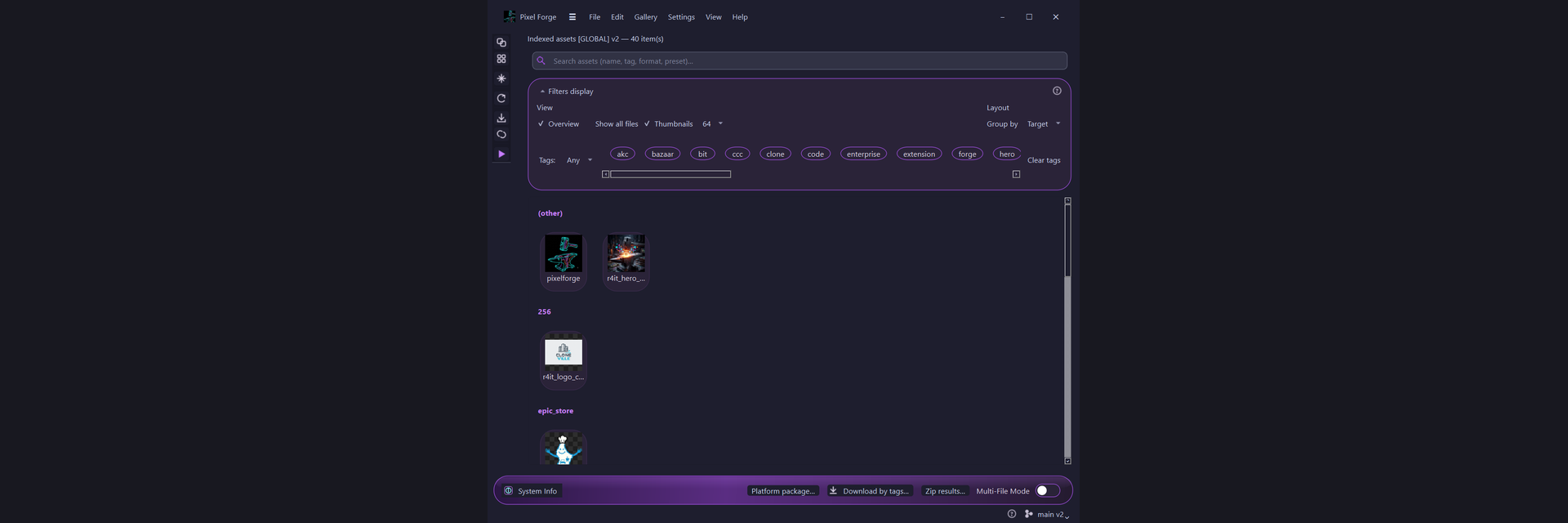
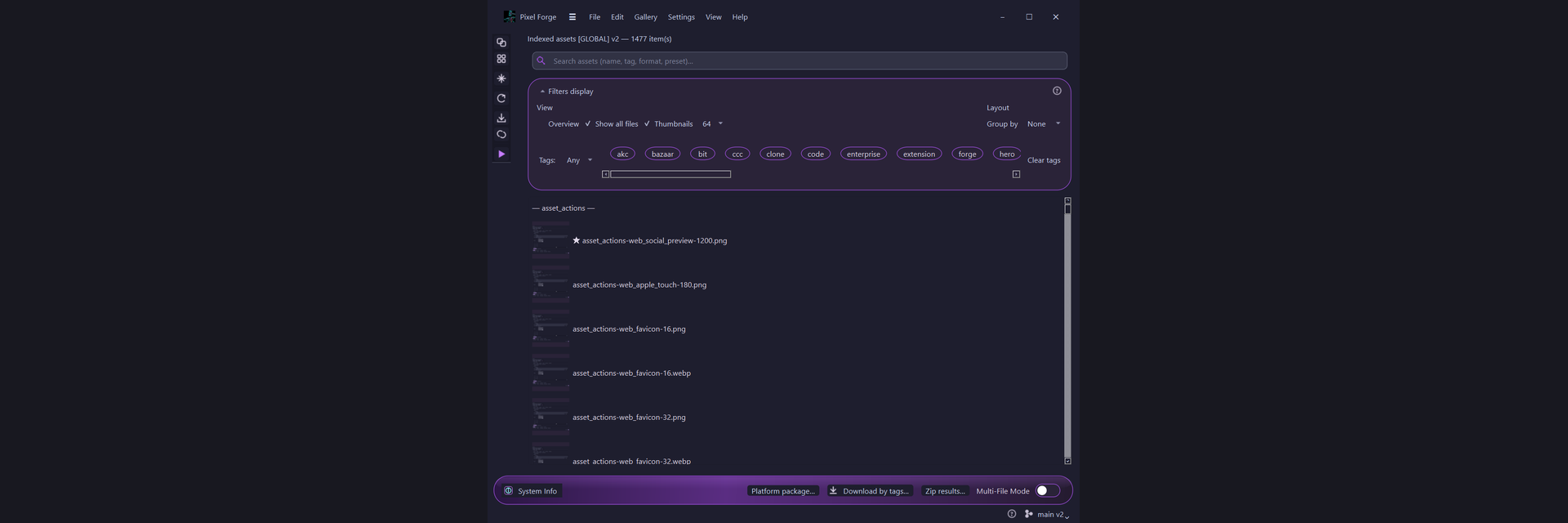
Keep every project library in view. Pro+ adds gallery Git sync, full-repository backup commits, and gallery intelligence (duplicate detection, auto-merge, outliers). Community keeps import, rebuild, and browse without a key.

Formats & quality (honest)

Pixel Forge is a target-based exporter, not a magic PNG↔SVG converter. SVG → PNG/WebP/ICO… is normal rasterization and usually looks sharp. PNG → SVG is not auto-vectorization — SVG output only when the source is already SVG (copy/optimize). Details: guide Formats & quality.

Community: Free, no key — up to 8 targets per convert run.
Trial: 14 days of full Pro features — up to 12 targets per run.
Pro / Team / Enterprise: Unlimited targets per run; device-bound licenses — see the comparison table below.
Overview

Columns
Target-based convert (GUI + CLI)
Targets per convert run
8
12
Unlimited
Global gallery & presets
Batch convert wizard
Gallery intelligence (duplicates, merge, outliers)
Gallery Git sync & full backup
Diagnostics & run history
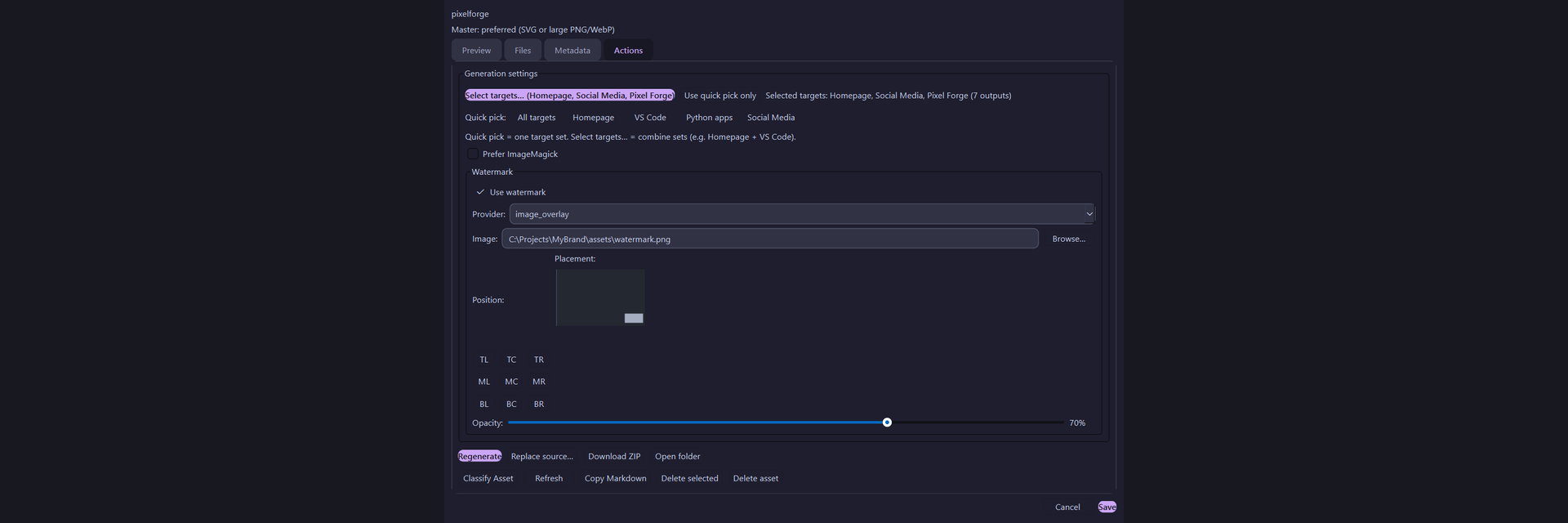
Plugins (watermark, naming, …)
Custom target designer
Asset vault (encrypted gallery backup)
SSO
Audit logs
Seats / activations
1 / 1
1 / 1
1 / 2

Licensing

Columns
Community
1
€0
Trial (14 Tage)
1
€0
Pro
2
€49/Jahr

Applies to the purchased version incl. all updates for 1 year from the purchase date.

Requirements

Pixel Forge is a Windows desktop app (64-bit Setup.exe). No separate Python required — the installer bundles the runtime. macOS/Linux builds may follow later. Details: guide Prerequisites.

Columns
Product type
Desktop app (Windows Setup.exe)
Operating system
Windows 10 or 11 (64-bit)
CPU
x64 (Intel/AMD)
RAM
4 GB (8 GB recommended)
Disk
~500 MB for app + gallery cache
Display
1280×720 or higher
Python / .NET
Not required (bundled)
Optional
ImageMagick for large batch converts