
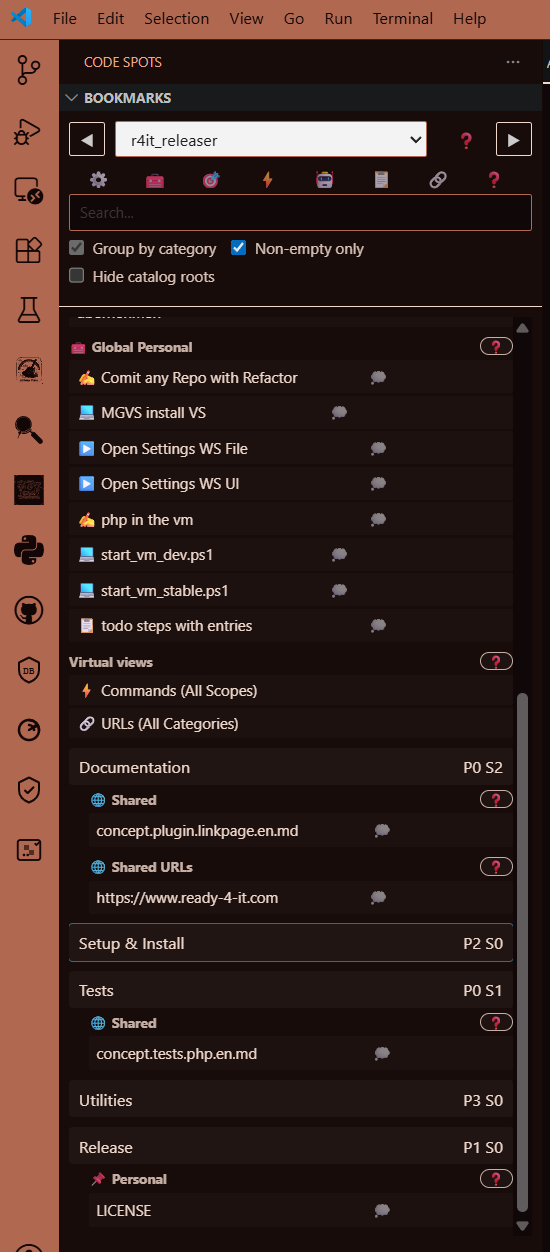
Repo-aware bookmarks
Pin files, lines, URLs, and commands in category trees — shared via Git or encrypted for personal use.
Repo-aware bookmarks, commands, and workflow automation for VS Code.
Early Access: Until 2026-07-31
Pin files, lines, URLs, and commands in category trees — shared via Git or encrypted for personal use.
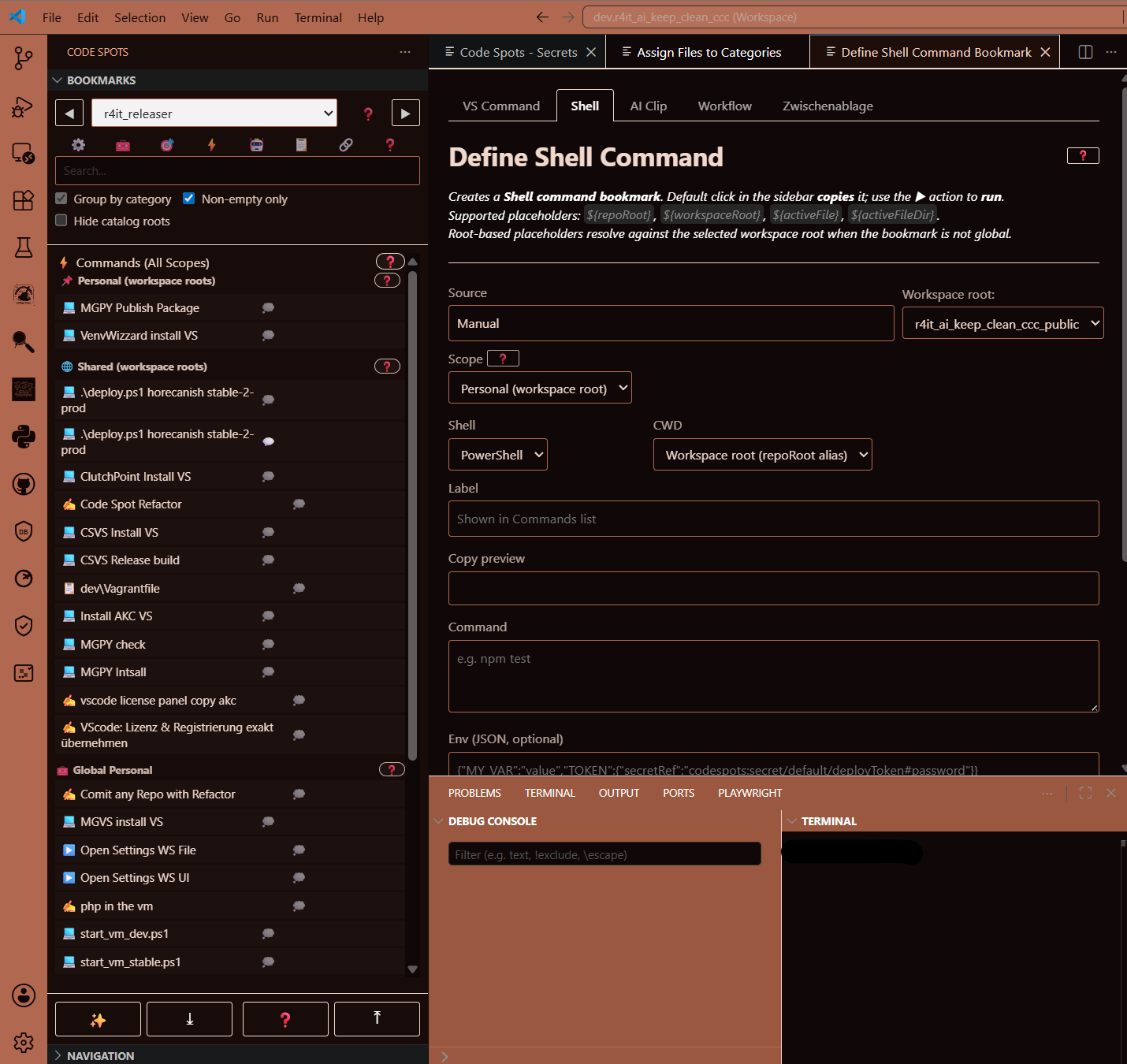
Store shell commands and multi-step workflows. Secrets are injected via secretRef at runtime.
Personal bookmarks are encrypted and portable across machines.
Store and reuse AI prompt snippets with one-click copy.
Project selected prompt clips into VS Code workspace or repository memory — validated automatically on each workspace open. Works with Copilot, Claude, Gemini, and Ollama where supported.
Work is enjoyable when you have the information you need for a project close at hand. It starts with bookmarks in files — but that was never enough for me.
My Notepad++ was full of windows: notes about various projects, status updates, links and commands. After a while you lose track of what belongs to which project — because you'd jotted something down in a hurry.
Even worse: test passwords, tokens, snippets. You generate them quickly, but later you end up searching for the tab with the most recent version.
Anyone who works with AI knows this pain too: the context gets lost. And you repeat yourself for the tenth time:
"PHP runs in the VM. Path is …"
"Test concepts for all layers are in …"
Hours disappear — because you're copying and transcribing information instead of actually working.
Code Spots helps me close these gaps. Anyone who knows this frustration understands immediately what that means.
Code Spots is more than classic bookmark management. It helps teams and solo developers keep URLs, files with exact code-line references, AI clips, VS Code commands, shell commands, environment notes, and even development passwords in one clear workflow surface.
Everything stays organized, consistent, and secure. Even when you store development passwords or sensitive environment notes, the personal area is encrypted and protected behind a numeric lock so access remains intentional. Once you get used to that comfort, going back to scattered notes and tabs feels like a step backwards.
Repo-aware bookmarks and command automation for VS Code. Organize files, lines, URLs, shell commands, and AI prompt clips in category trees — shared with your team (via Git) or encrypted for personal use.
Early Bird (Pro+) explicitly treats Shell command bookmarks & Workflows as core functionality.
| Feature | Free | Pro+ |
|---|---|---|
| File, Line & URL bookmarks | ✓ (URLs: 10) | ✓ |
| VS Command & Clipboard bookmarks | ✓ | ✓ |
| Shell command bookmarks | 10 | ✓ |
| Workflow bookmarks (multi-step) | 5 | ✓ |
| AI Clip bookmarks | 10 | ✓ |
| Encrypted personal storage | – | ✓ |
| Secrets Vault + secretRef | 3 | ✓ |
| Global (cross-workspace) storage | – | ✓ |
| Import / Export | – | ✓ |
| AI Rule Projection (memory) | – | ✓ |
Soft limits in Free: existing items remain usable; creating new items is blocked after the limit.
Local-first. No backend. Everything stays in Git.
|
File, Line & URL bookmarks
|
✓ (URLs: 10)
|
✓
|
✓
|
|
VS Command bookmarks
|
✓
|
✓
|
✓
|
|
Clipboard bookmarks
|
✓
|
✓
|
✓
|
|
Shared storage (.csvs/)
|
✓
|
✓
|
✓
|
|
Shell command bookmarks
|
10
|
✓
|
✓
|
|
Workflow bookmarks
|
5
|
✓
|
✓
|
|
AI Clip bookmarks
|
10
|
✓
|
✓
|
|
Secrets Vault + secretRef
|
3
|
✓
|
✓
|
|
AI Rule Projection (memory)
|
–
|
–
|
✓
|
Applies to the purchased version incl. all updates for 1 year from the purchase date.