Workspace-first
Applies and manages VS Code settings at workspace scope with safe backup/restore and merges.
Local, secure AI workflows and workspace customization.
Early Access: Until 2026-04-12
Applies and manages VS Code settings at workspace scope with safe backup/restore and merges.
Shared AI settings namespace with SecretStorage and strict CSP webviews (no inline scripts).
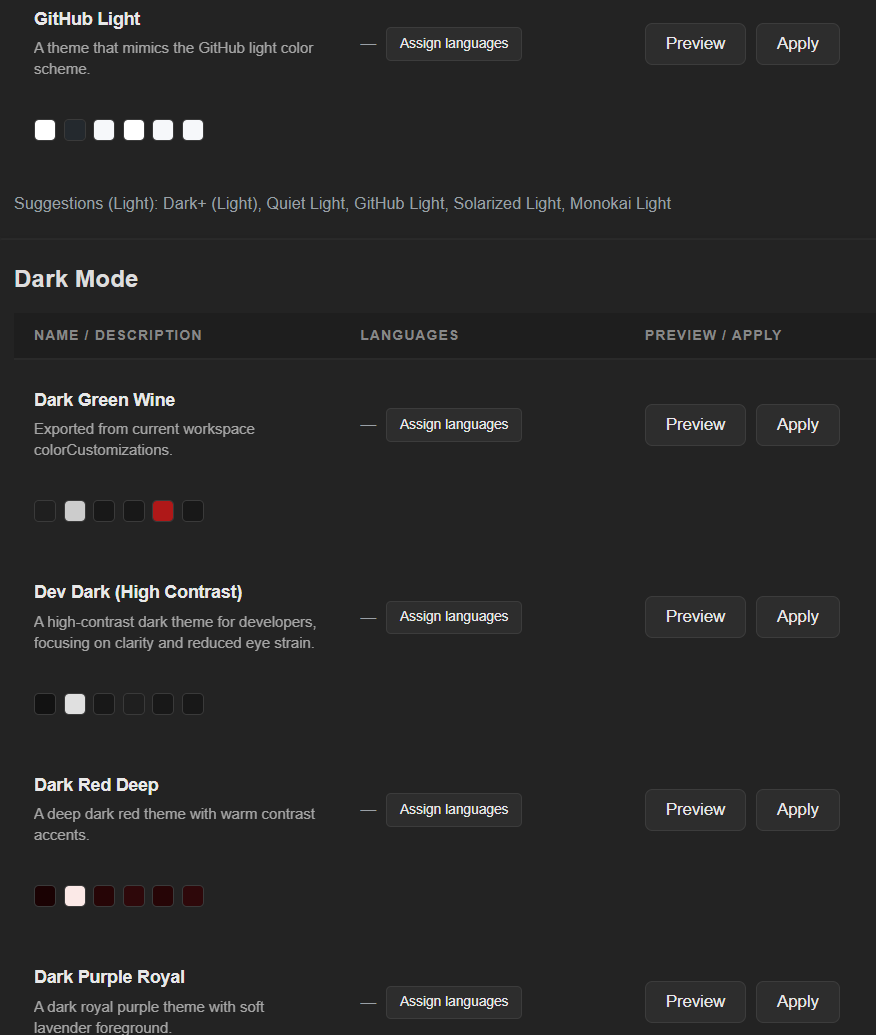
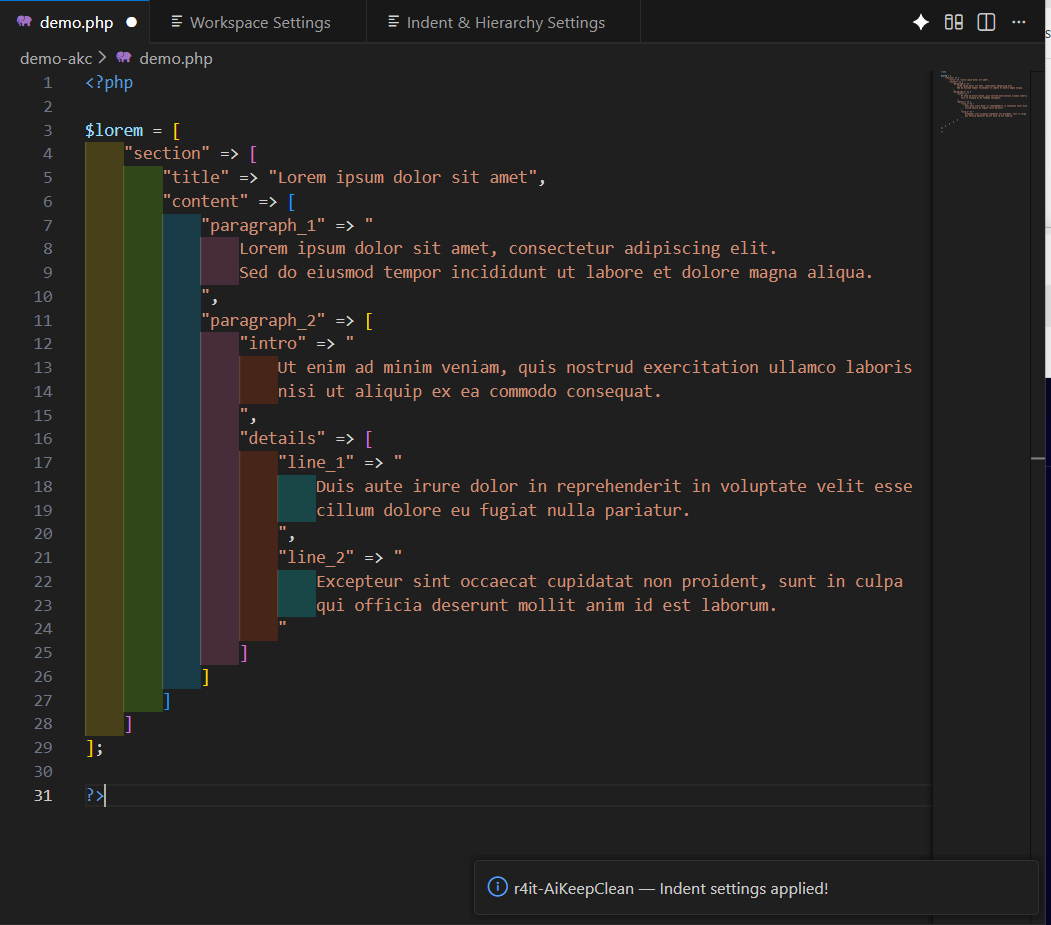
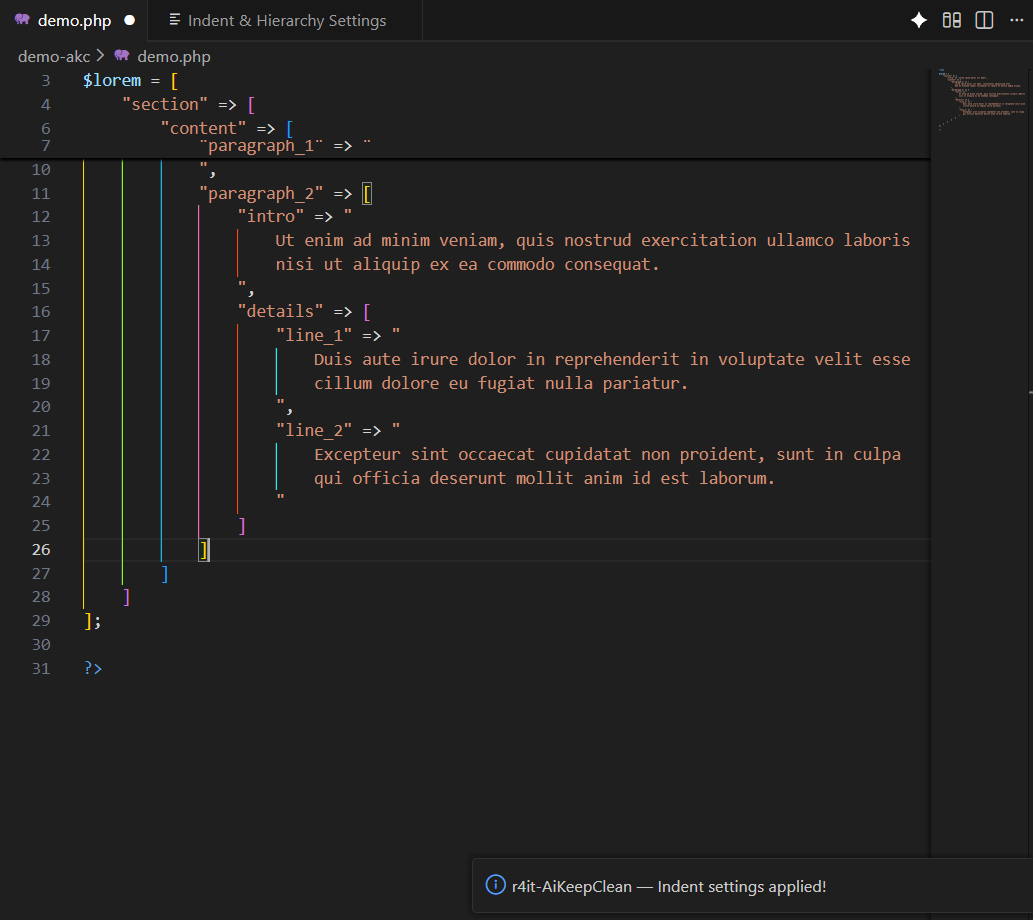
Color theme presets, AI suggestions and indent coloring presets to improve readability.
Overview is essential for developers. It helps you keep your focus on what matters.
With AI Keep Clean, color-organizing multiple workspaces takes seconds: clear project boundaries, tabs instantly recognizable.
If you code for hours, you know the feeling: stay in the code — not in the search.
Local-first AI: Ollama is supported as a local provider.
AI Keep Clean is a VS Code extension focused on workspace-local settings hygiene, safe sharing via presets, and local-first AI workflows.
| Core feature | Included | Available since |
|---|---|---|
| Workspace settings backup/restore + merge | ✓ | v1.15.0 |
| Directory/file compare tooling | ✓ | v1.13.0 |
| Close All per Click (close all editors) | ✓ | v1.13.0 |
| Hierarchy presets + indent guides | ✓ | v1.12.0 |
| AI provider abstraction (Ollama / OpenAI-compatible) | ✓ | v1.11.0 |
Note: Only current, shipped functionality is listed here.
|
Max custom presets
|
1
|
3
|
150
|
|
Import presets
|
–
|
✓
|
✓
|
|
Export presets
|
–
|
✓
|
✓
|
|
AI suggestions
|
–
|
✓
|
✓
|
|
Max workspaces (planned)
|
25
|
50
|
∞
|
|
Terminal colors (PowerShell/pwsh) (since v1.18.9)
|
✓
|
✓
|
✓
|
|
AI Diff: files
|
–
|
✓
|
✓
|
|
AI Diff: directories
|
–
|
✓
|
✓
|
|
Indent Rainbow: line
|
✓
|
✓
|
✓
|
|
Indent Rainbow: block
|
✓
|
✓
|
✓
|