
Selected-chat sync
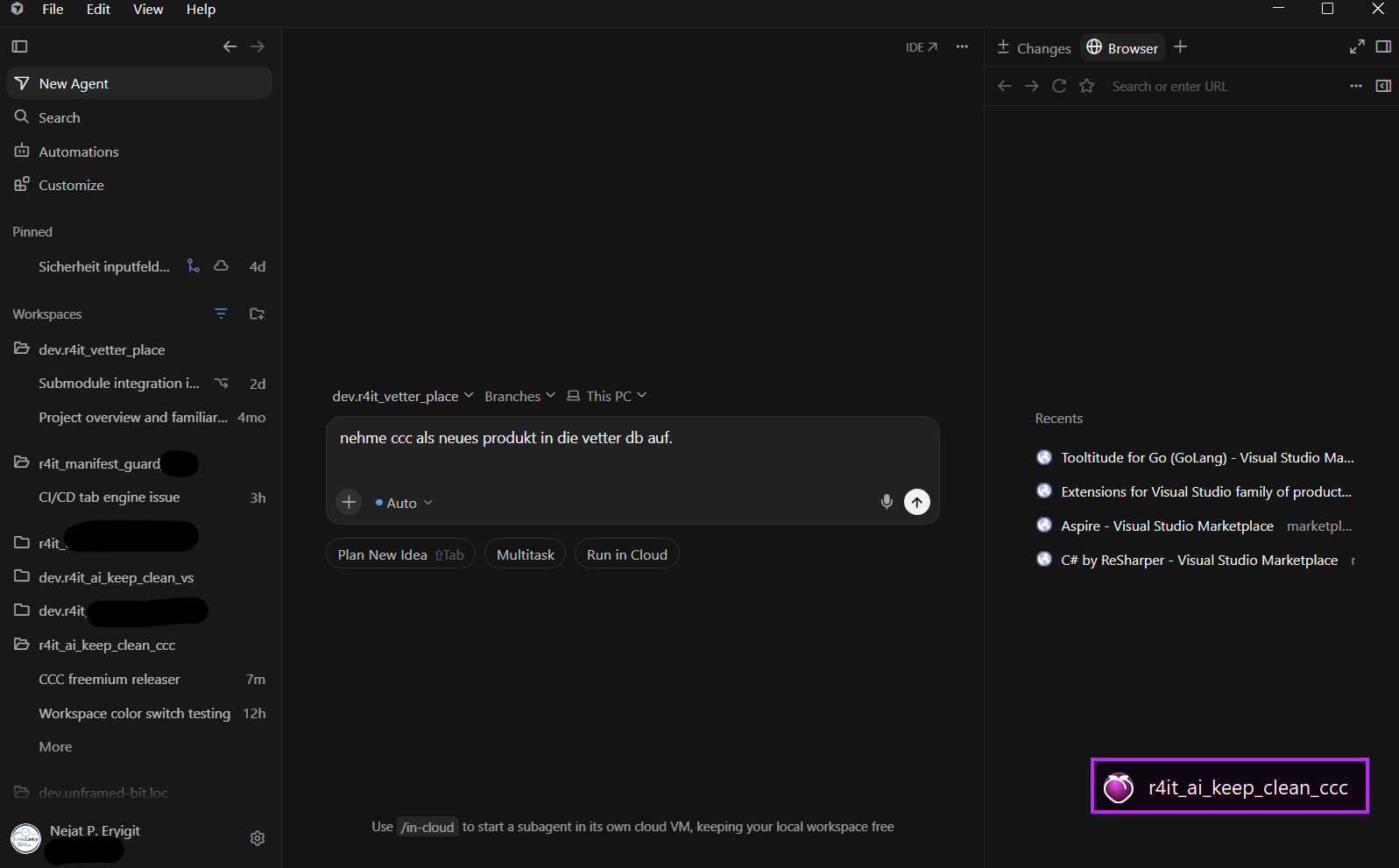
Follows Cursor’s Agents selection so the pill shows the right project — not a stale file heuristic.
AgentsSyncSafety
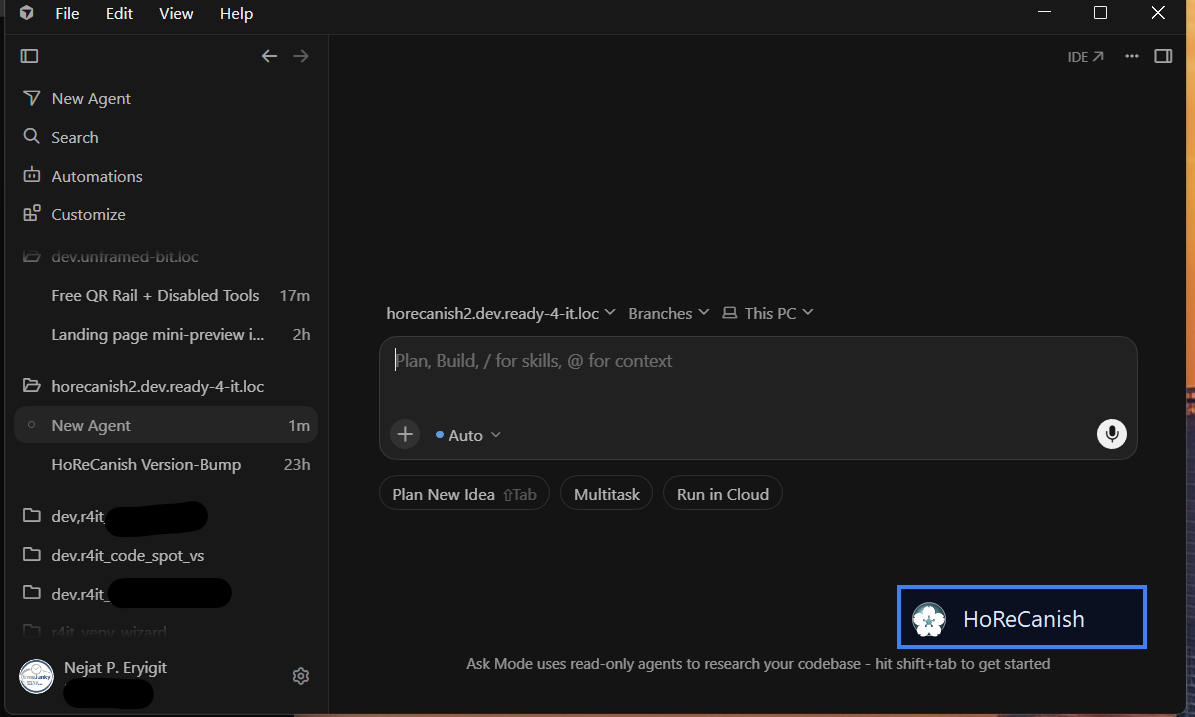
Know which project you're in — every Agents chat.
Follows Cursor’s Agents selection so the pill shows the right project — not a stale file heuristic.
Visible when you need it over Agents; hidden when you focus the IDE.
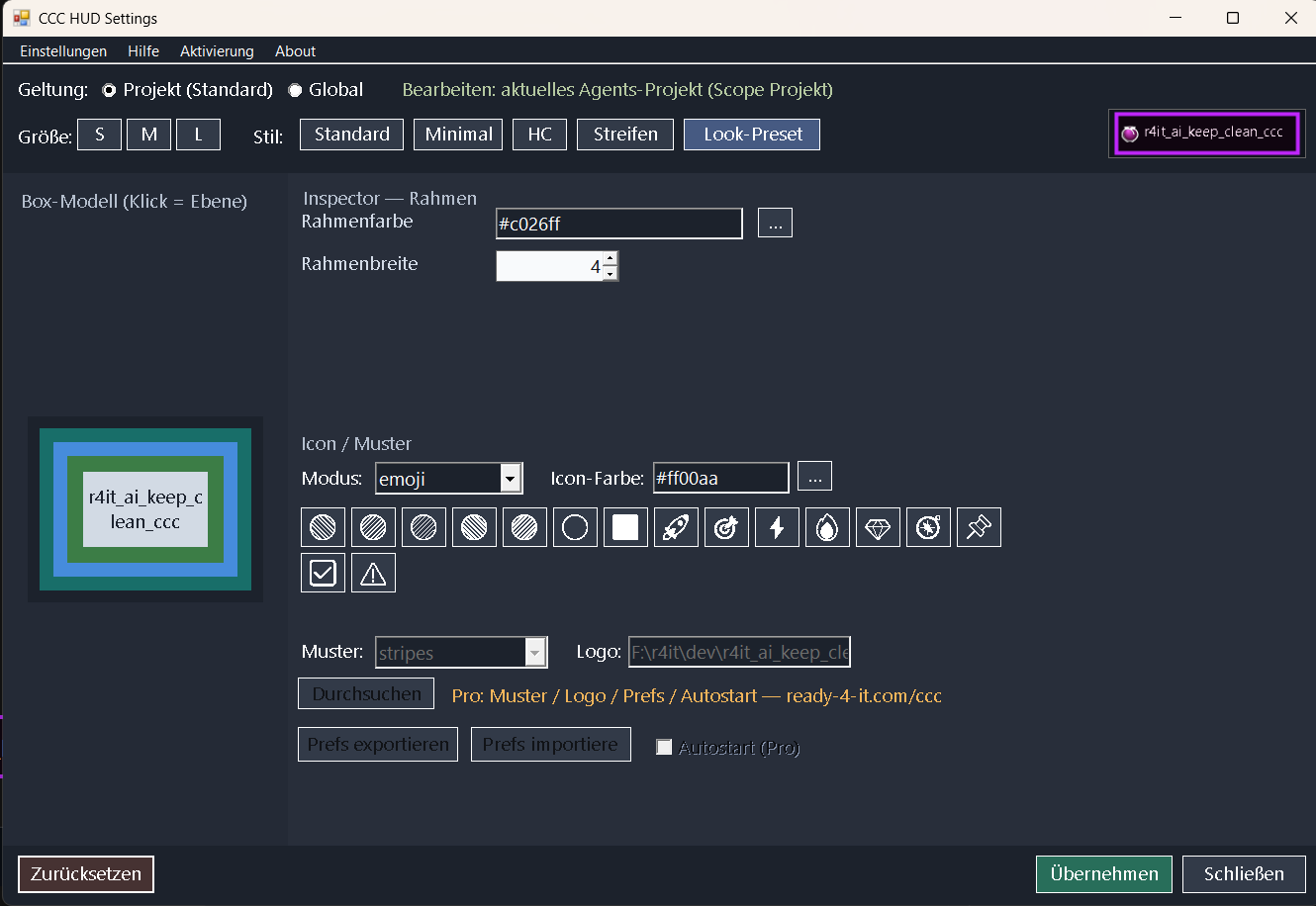
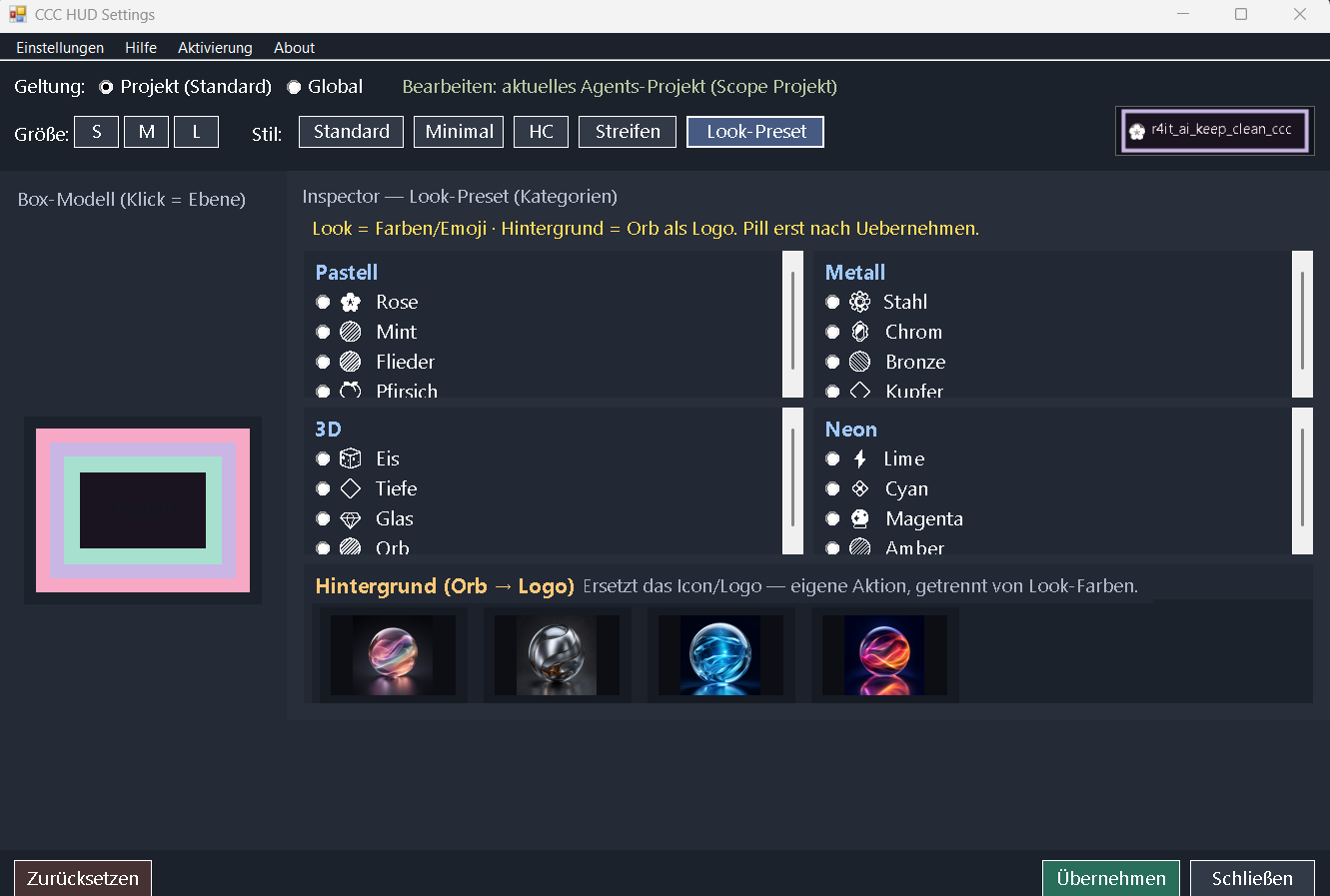
Label, accent, drag, emoji, basic settings, and Look-Presets (Pastel / Metal / 3D / Neon) stay free forever.
Patterns, custom logos, workspace-link clicks, and prefs export/import (Trial/Pro). Autostart is Pro-only — same split as the license matrix.
Buy on ready-4-it.com → download the licensed Zebra package → open the HUD → paste the activation key. Cursor Marketplace stays free-only.
Cursor Agents is where parallel work happens — but the window looks the same for every repo.
With AI Keep Clean CCC, the Project HUD (Heads-Up Display: a small always-visible project window) follows the selected chat and maps it to your workspace catalog: the right label and accent in seconds.
If you jump between many workspaces for hours, you know the feeling: stay in the work — not in searching which chat belongs where.
Core identity stays free. Pro unlocks branding. Sold and activated on ready-4-it.com — not through Cursor billing.
Tip: Use ←/→ arrow keys or mouse wheel to navigate.
CCC is a Cursor Agents plugin focused on project identity over Agents chats: accent, emoji, optional logo, and a small Project HUD that follows the selected chat.
HUD means Heads-Up Display. In CCC, the Project HUD is the small always-visible project window (Windows host today) that shows which workspace the current Agents chat belongs to — label, color accent, optional emoji or logo. It is not a VS Code panel and not part of Cursor’s built-in UI; CCC starts it (e.g. hud:start) so you keep project context while chatting.
R4IT.…, product_id: ccc) → paste into the HUD.| Core feature | Included | Notes |
|---|---|---|
| Selected-chat sync + accent | ✓ | Free |
| HUD drag + basic settings + emoji | ✓ | Free |
| Look-Presets (Pastel / Metal / 3D / Neon) | ✓ | Free |
| Pattern / custom logo / Orb / logo→URL | ✓ | Trial / Pro |
| Prefs export / import | ✓ | Trial / Pro |
| Autostart | ✓ | Pro only |
Clear notice: Cursor Agents plugin only — not a VS Code extension, not a Marketplace
.vsix, and not installed via VS Code’s Extensions view. Install via Agents → Customize (or the public GitHub Agents plugin path).
|
Agents selected-chat sync + accent
|
✓
|
✓
|
✓
|
|
HUD drag + basic settings + emoji marker
|
✓
|
✓
|
✓
|
|
Look-Presets (Pastel / Metal / 3D / Neon)
|
✓
|
✓
|
✓
|
|
Pattern / custom logo / Orb / logo→URL
|
–
|
✓
|
✓
|
|
Prefs export / import
|
–
|
✓
|
✓
|
|
Autostart
|
–
|
–
|
✓
|
|
Custom logos (cap)
|
0
|
1
|
20
|
|
Prefs profiles (cap)
|
–
|
3
|
50
|
|
Delivery channel
|
Public GitHub / Cursor Marketplace
|
Zebra download (licensed)
|
Zebra download (licensed)
|
Applies to the purchased version incl. all updates for 1 year from the purchase date.